Computer networks look complex at first, but they rest on a few simple, logical ideas. Whether you want an IT career or just want to know why home internet dropped, these basic networking concepts are the first step.
Addressing: IP vs MAC
Every device needs an identifier to talk on a network.
A MAC address is a hardware ID, fixed at the factory on the network card — like a vehicle VIN or a fingerprint.
An IP address is a logical, changeable address assigned when you join a network. Think of it as the postal code of the house you currently live in. Move to another network, and your IP changes too.
Router vs switch: how traffic is managed
The two devices look similar, but they do different jobs.
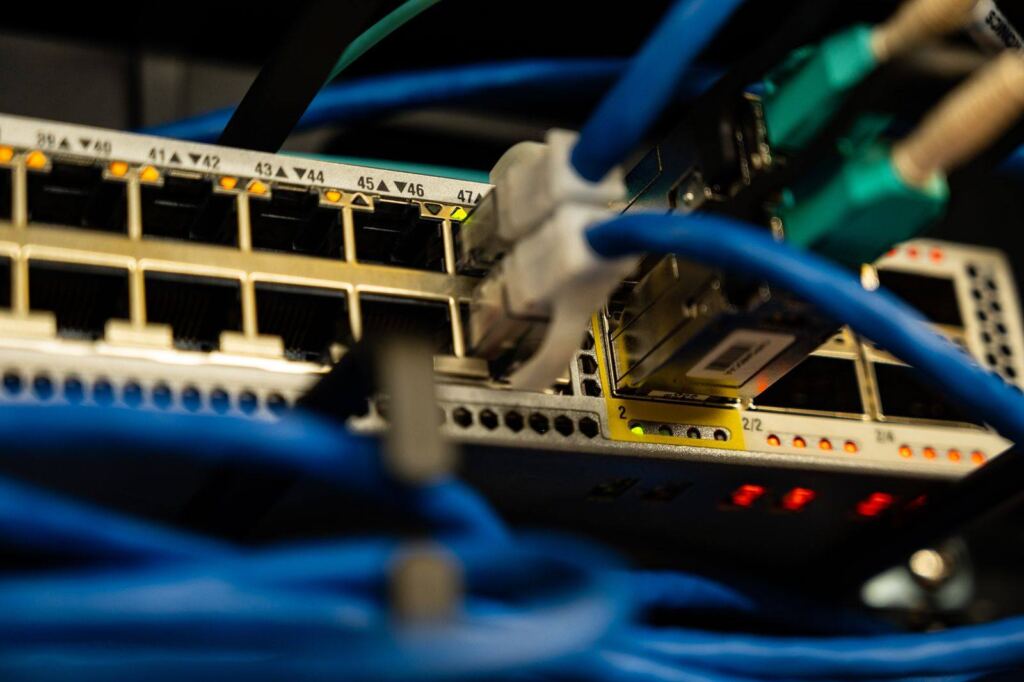
A switch connects computers, printers, and servers inside one local network — an office or a building.
A router connects different networks. In short, the switch handles traffic inside the building; the router opens the path from your building to the outside world (the internet).
The internet’s translator: DNS
Computers only work with numbers (IP addresses). People cannot memorize those strings. DNS is the internet’s phone book. When you type a name like null2nova.com, a DNS server translates that name into the server’s IP so your computer knows where to connect.
Network scale: LAN and WAN
A LAN (local area network) is a group of connected devices in a small area — a home, school, or office building.
A WAN (wide area network) joins LANs across cities or countries. The internet is the world’s largest WAN: millions of LANs linked together.