
When the internet drops or an app “cannot reach the server,” the conversation usually lands on three words: firewall, NAT, and port. These are not attack tools. They are the shared language of networks: where traffic comes from, where it goes, and whether it is allowed.
A port is the door to a service, not the whole computer
An IP address is the building. A port is the room where a service listens. The web is usually on 443 (HTTPS), DNS on 53, and remote services on other numbers. One computer can run several services at once because each has its own door.
Knowing common port numbers helps troubleshooting. Opening a door to the public internet without a reason raises risk — especially if the service is unpatched or reachable with a weak password.
NAT: many devices, one public address
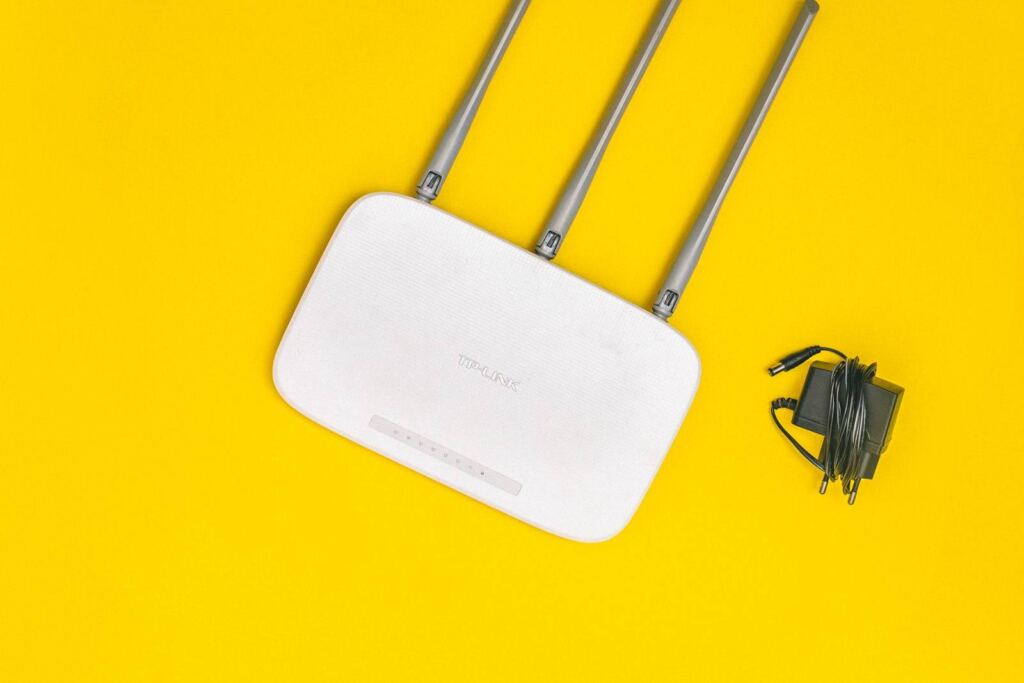
At home and in many offices, devices use private addresses (for example 192.168.x.x) and the router hides them behind one public address with NAT. Outbound requests are translated so the reply can return to the same device. That is why, by default, the outside world cannot reach a laptop inside the house directly.
Port forwarding means you deliberately map an outside door to a device inside. Cameras, games, or a lab test sometimes need it. On the public internet it should be short-lived, limited to a known source IP when you can, and paired with software updates. If you do not need it, turn it off.
A firewall is a policy of allow and deny
A firewall decides, by rule, whether traffic passes. Windows Firewall, a home-router firewall, and an enterprise firewall are different layers. If an app works on one network only, check whether an inbound or outbound rule is catching it before you allow everything.
An “all ports open” rule makes diagnosis easy for ten minutes and security hard for months. Least privilege applies here the same way it does in a directory.
Troubleshoot in order, not in panic
Resolve the name (DNS), then see if the host is reachable, then see if the service answers on the port. The OS already has tools for that path. If a VPN is in play, the path changes; traffic can be healthy and still go through a different tunnel.
The goal is that when someone says “the port is closed” or “NAT is the problem,” you have a picture in your head — instead of flipping random router settings.